Demo · no student, no account needed
Try the coach controls
This is the screen you see in a live lesson, with a sample picture instead of your student's video and a simulated robot. Follow the steps: each one ticks when you have done it.
All guidesStep 1 of 7
Turn the robot
Tap the arrow at the edge of the picture, or ◀ ▶ in the controls (on a computer also the arrow keys ← →). Each tap turns the robot a bit, then it stops by itself. ◀◀ ▶▶ turn further.
- 1
- 2
- 3
- 4
- 5
- 6
- 7
LIVE 0:00L Lena (demo) PIXEM · 6.0 m✓
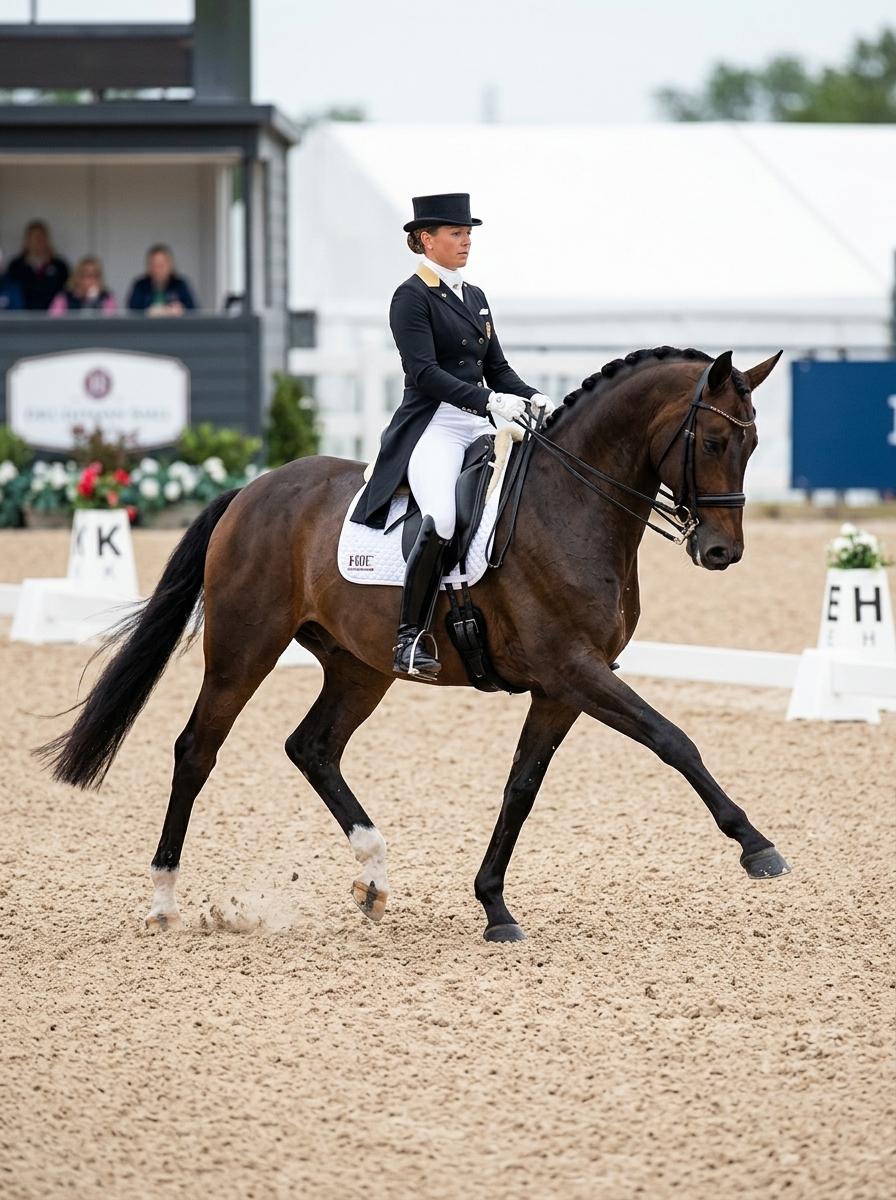
Lena (demo)
1.0×
PIXEM P3400m
Following the rider- Distance
- 6.0 m
- Battery
- ▮▮▮ 3
Turn
Each tap turns the robot a bit, then it stops by itself. The picture reaches you a moment later: look first, then tap again.
Turn on Advanced to fine-tune how the robot follows (smoothness, stopping, presets).